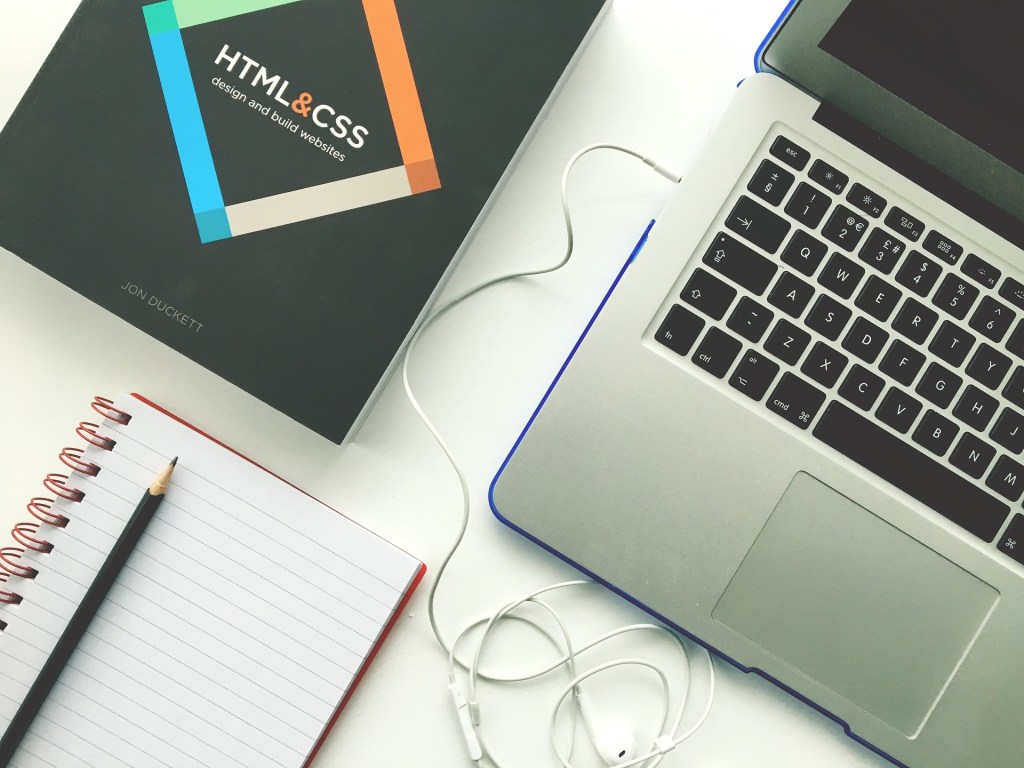
Web Development and Design are two elements that heavily rely on one another to create beautiful and fully functioning websites. Understanding the key roles defined by each can help you decide which path suits your skills and characteristics. Web developers are often considered to be logical thinkers, or more left-brained because they have to have a passion for problem-solving and attention to detail. Web Designers are often considered more creative and artistic or right-brained.
Pursuing a Digital Media Degree in eMedia can be an exciting and nerve-racking journey. The program exposes students to both web development and design. However, it can be difficult to decide which path you want to take after graduation. Having a fundamental understanding of these roles will help you choose when the time comes.
Defining Web Development vs. Web Design
Web Development- responsible for the backend functions of a website ensuring it runs smoothly. Web Developers are programmers responsible for the technical front and back end functions of a website.
Web Design- responsible for the visual appeal of a website and ensuring it is aesthetically pleasing to the viewer. Web designers deal with the front end and user experience functions of a website.
Tools Used
Although web development and design work interchangeably, the skills needed for both greatly differ. Web development is focused on the logical and technical side of the spectrum. Its counterpart, web design, requires creativity and graphic design knowledge.
Web Developers Key Programming Tools
Hypertext Mark-Up Language (HTML5): Provides the backbone of a website by defining the headers, ordered and unordered lists, and paragraphs
Cascading Style Sheets(CSS): Organizes the layout and appearance of a website such as an element size & spacing and font family and color.
PHP: Used in back-end development and assists in the web sites reaction to a user.
Javascript: Controls the behavior of a website. Essential for loading and transitions or animation responses from user clicks and countless other tasks.
Web Designer Tools
Adobe Photoshop & Illustrator: Design software used to edit photos, create layouts, illustrate, and design graphics.
InVision Studio: interface for UI design that has many features to help designers create interface prototypes.
Adobe XD: Wireframe, prototype, and vector-based tool for web designers
Portfolios
Throughout your pursuit of a DIGM degree, you work towards making a compelling portfolio for your senior year. Understanding what requirements your employers need from you as a potential web developer or designer in their company is crucial. It’s important that you build a compelling and fully functioning portfolio to showcase your skills.
4 Tips for your eMedia Portfolio
Modern UI Design:
It’s important to showcase your personality within your portfolio. Your landing page is the online presence of yourself. The overall look of your website will showcase the skills you have in design and attracting customers. Your portfolio doesn’t have to be overly elaborate, however, it shows just enough to make potential employers want to get in touch with you.
Hosting & Domain Name
When you’re designing your portfolio, taking short cuts will significantly limit your employment options. Don’t build your portfolio using an online website builder that will host your portfolio. As a web designer and developer, you must show that you’re responsible for doing your work. Having a professional domain name and a low-cost hosting platform is attainable. There are many low-cost domain names and free hosting platforms such as Github.
Simplicity is Key
Show your skills but don’t overwhelm your audience. Have a “Showcase”, “Project”, “About”, and “Contact” section on your portfolio. Keep the number of pages you have on your site to no more than 4-5 and focus on optimizing the design, layout, and application of these pages.
Choose Projects Wisley
Be picky when your choosing which projects to put on your portfolio. Don’t simply choose projects to fill space. If you only have a few noteworthy projects, thats okay. Work on showing your best work and take extra time to improve your work. As a potential web designer or developer, you should have one or more live projects. You should have a link within your portfolio that will take viewers to your project and another button linking the code. If you don’t have any live projects, work on making a few to showcase your talents. A few ideas include: making a responsive webpage or designing a website for a client.
Showcase Who you Are
Your portfolio should show who you are and what you’re capable of doing. You don’t have to have the most elaborate portfolio to attract employers. You should show that you’re passionate, dedicated, and skilled in your field. Don’t overthink how you want to present yourself and do your best to show what you’re capable of and it will lead to opportunities.
Pursuing a degree in eMedia can lead to a very rewarding career. Having a clear understanding of some of the options that are available to you is very important. Don’t wait to start exploring which path you would like to take or if you want to pursue both. Now that some of the specifications about web development and design have been defined, you can start thinking about what skills you want to highlight in your portfolio.
Sources: https://www.computerscience.org/careers/web-developer/
https://careerfoundry.com/en/blog/web-development/what-is-the-difference-between-a-web-developer-and-a-web-designer/
https://www.creativebloq.com/features/best-web-design-toolshttps://medium.com/@traversymedia/10-web-developer-portfolio-tips-384491d408a8
 digm3357group2